
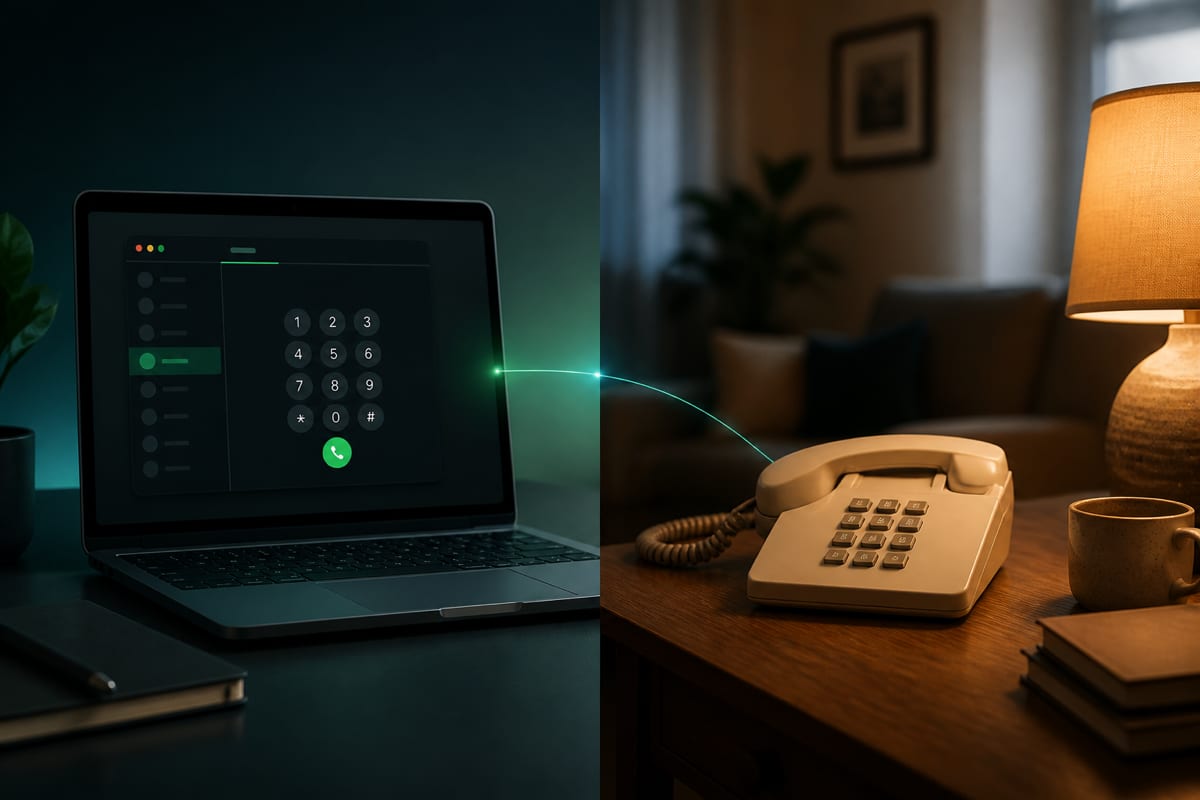
In short: Calling a landline from the browser works because the call terminates on the public telephone network—not inside a chat app. Dial the full international number with the area code, confirm the live rate (landline and mobile prefixes often price differently), and speak as usual. The person on the home phone does nothing special: no link to click, no app to install. Note that BLAH! phone does not support in-call DTMF (the dial pad is disabled during active calls), so it is best suited for direct lines, voice-activated menus, or queues that default to a live agent. You can place the call from the browser dialer.
Parents on a kitchen wall phone, a hotel front desk, a clinic reception, a plumber who never checks text messages—these contacts do not live in WhatsApp by default. If your only international tool is "message people who installed the same app," landlines and office PBX lines fall through the cracks.
A browser dialer closes that gap. You open a website, allow the microphone, enter a number in international format, and the callee's ordinary phone rings. This guide explains why landlines still matter in 2026, how to dial area codes correctly across regions, what landline vs mobile pricing looks like, and how to get clear audio on long family calls.
Why landlines still matter
Smartphone adoption is high, but PSTN (Public Switched Telephone Network) lines have not disappeared. They show up in everyday life more often than app-centric marketing suggests:
- Older relatives who are comfortable on a home phone but never installed a messaging app—or who keep the landline as their "serious call" device. For many seniors, a physical handset with a tactile keypad and a dedicated dial tone represents comfort, familiarity, and reliability.
- Small businesses and trades that publish a geographic shop number on a van, a website, or a business card. Plumbers, electricians, local bakeries, and automotive shops often maintain a physical landline because it is tied to their physical location and has been their public identity for decades.
- Clinics, schools, and government offices that route inbound calls through a reception desk or PBX menu. These institutions rely on multi-line physical systems to handle high call volumes, queue inquiries, and transfer calls to specific departments.
- Hotels and venues where the published contact is a front-desk landline, not a mobile. When traveling internationally, reaching a hotel front desk directly is often the fastest way to confirm a reservation, arrange a late check-in, or ask for directions.
- Backup reachability when someone's mobile is dead, in a locker, out of credit, or out of coverage in a rural area. Landlines do not depend on local cellular tower congestion or battery life, making them an invaluable fallback.
Chat apps remain excellent for smartphone-to-smartphone conversation. Calling a landline is a different job: you need the public telephone network. Browser dialers bridge your microphone audio from the web to that network, so the callee experience is identical to any other inbound call.
If you are comparing tools, see WhatsApp vs calling a phone number for when each approach fits.
How to dial a landline correctly
Landline numbers include a country code, an area or city code, and a subscriber number. The mistake travelers make most often is copying the domestic format from a website and forgetting to convert it to international E.164 form.
The conversion rule
- Start with the number as published locally.
- Remove any national trunk prefix—often a leading
0(UK, France, Germany, Italy, Spain, and many others). - Prefix with
+and the country code. - Dial the remaining digits without spaces or punctuation (spaces in examples below are for readability only).
Illustrative examples (verify before dialing)
These formats are educational only. Always confirm the exact digits with the person or business you are calling.
United Kingdom (London geographic landline)
- As written locally:
020 7946 0198(example format) - International E.164:
+44 20 7946 0198 - Note: drop the trunk
0after+44. The20is the area code for London, followed by the 8-digit subscriber number.
United States / Canada (NANP)
- As written locally:
(212) 555-0143(example format) - International E.164:
+1 212 555 0143 - Country code
+1is shared; the 3-digit area code (e.g.,212for Manhattan) is required even when calling "locally" from abroad.
France (Paris geographic landline)
- As written locally:
01 99 00 12 34(example format) - International E.164:
+33 1 99 00 12 34 - Drop the leading
0from01after+33. The1represents the Île-de-France region (Paris).
Germany (Berlin geographic landline)
- As written locally:
030 5556789(example format) - International E.164:
+49 30 5556789 - Drop the trunk
0from030after+49. The30is the area code for Berlin.
Spain (Madrid geographic landline)
- As written locally:
910 123 456(example format) - International E.164:
+34 910 123 456 - Spain does not use a leading trunk zero for domestic calls; geographic landlines in Madrid often start with
91or910. Simply add the country code+34directly.
If you are unsure about a specific country, our international number format (E.164) guide walks through more regions and common mistakes.
Landline vs mobile pricing
International calling rates are usually prefix-based, not "one price per country." A mobile range and a geographic landline in the same city can show different per-minute prices in the dialer.
Why the difference exists: carriers and regulators treat mobile termination and fixed-line termination separately. Telecom networks charge different fees to deliver (terminate) calls depending on whether the destination is a physical copper/fiber line or a cellular handset. These are known as Fixed Termination Rates (FTR) and Mobile Termination Rates (MTR).
Because mobile networks require massive wireless infrastructure, MTRs are often higher than FTRs in many parts of the world. Browser dialers pass these underlying costs through as live quotes for the exact digits you enter.
Practical advice:
- Do not assume a marketing page's "calls to Spain" rate applies to every Spanish number. Rates depend entirely on the prefix.
- Paste the full number first, then read the rate BLAH! phone displays for that prefix. The live dialer quote is the only reliable source of truth.
- Ask the callee whether their published contact is landline or mobile if you call them often—the answer affects your budget on long chats. Landline rates are often significantly lower, making them the preferred choice for long catch-ups.
For corridor-level context, browse destination pages such as call Poland, call Bangladesh, call Morocco, and call Guatemala, or the full calling destinations directory. If you are weighing providers, best international calling apps compares browser-first options with traditional app-based services.
Browser steps (caller side only)
The person on the landline does nothing special. They do not need an internet connection, a computer, or a smartphone. They simply pick up their physical handset when it rings. On your side:
- Open BLAH! phone in Chrome or Safari (desktop or mobile browser).
- Sign in and add calling credit. No phone verification is required to start.
- Allow the microphone when prompted. The browser uses WebRTC to capture your voice securely. Troubleshooting: browser microphone for calling.
- Enter the landline in
+…form with country code and area code. - Check live pricing for that exact number. Landline and mobile prefixes may differ.
- Tap call and wait for ringback—the same ringing tone the callee is used to.
- Navigate menus: Once connected, speak with the recipient. Please note that BLAH! phone does not support in-call DTMF. The dial pad is completely disabled once a call is connected. If you are calling a landline that sits behind an automated phone tree (PBX) requiring you to press keys (e.g., "press 1 for sales"), you will not be able to send these tones. To navigate these systems, try speaking your choices if the system is voice-activated, wait on the line to see if it defaults to a live operator, or use another channel like email or a device that supports in-call tones.
No link is sent to the recipient. No app notification appears on their phone. It is a normal incoming call on their handset or wall phone.
For the broader setup story, read how to call from your browser without an app.
PBX, reception desks, and office phone systems
Many landlines sit behind a private branch exchange (PBX)—the system that plays "press 1 for sales" and routes extensions. From the callee's side, your browser call rings like any other inbound PSTN call.
Tips for business landlines:
- Dial the main published number unless you were given a direct extension. Some PBXes require you to reach the attendant before transferring.
- If the menu needs keypad tones, try speaking your choice if the IVR supports voice recognition, wait for a default operator transfer, or use another channel. BLAH! phone's dial pad is completely disabled during active calls, so in-call DTMF is not supported.
- Wait for the full greeting before speaking—rushing on a slow IVR leads to wrong queues.
- If you need a specific desk, ask the receptionist for a direct dial number next time; geographic DIDs often price like standard landlines.
Calling customer support lines from overseas has extra toll-free caveats; see how to call customer service from abroad when the landline you need is a bank or airline desk.
Quality checklist for clear landline calls
Landline audio quality on the callee side is usually excellent—copper or fiber to the premises, a wired handset, no battery anxiety. Your side depends on internet conditions. Use this checklist:
| Do | Avoid |
|---|---|
| Stable Wi‑Fi with a wired headset or good earbuds | Speakerphone next to a noisy laptop fan |
| Quiet room for long family calls | Calling from a crowded café during peak Wi‑Fi hours |
| Close other tabs that may hold the microphone | Leaving a video meeting open in another tab |
| Sit closer to the router if audio stutters | Assuming the landline is "broken" after one bad attempt |
| Redial once if the first minute is choppy | Yelling; landline handsets clip easily |
More network detail: Wi‑Fi vs mobile data for VoIP.
On mobile data, landline calls work when throughput is stable. Some travel SIMs throttle VoIP; switch to Wi‑Fi if audio fails only on cellular.
Tips for long family calls on a home phone
Calling parents or grandparents on a landline is often why people search for this guide. A few habits make the experience better for everyone:
- Schedule a window when they are usually home and not watching loud television. Landline users often treat unexpected calls with more caution than mobile users—especially for international caller ID they do not recognize.
- Introduce yourself clearly at the start. If their phone shows an unfamiliar international or service-associated number, say your name immediately.
- Keep calls shorter on bad networks and call back when you have better Wi‑Fi rather than pushing through an hour of jitter.
- Teach them one callback rule: if the line drops, you will redial in five minutes—landlines do not always have missed-call IDs they notice.
- Consider a regular weekly slot so they expect your ring pattern. Predictability beats surprise for callers who rarely get international calls.
If your family also texts, remember that browser calling and SMS are separate channels. BLAH! phone focuses on outbound voice; for OTP and messaging workflows see receive OTP SMS online and virtual number guides.
When a landline is the wrong tool
Honest limits:
- Emergency services (112 / 911 / 999 / local equivalents) should be placed through appropriate local emergency access where available—not via an international browser dialer. Browser-based VoIP calls cannot transmit accurate physical location data to local emergency dispatchers in the same way native carrier lines do. In an emergency, always use a local landline, a native mobile connection, or a hotel phone.
- Some premium-rate or special-service numbers may be blocked or priced differently by any calling provider.
- Very remote landlines with poor last-mile infrastructure occasionally have audio issues on their end; if multiple callers report the same problem, it may be the line—not your Wi‑Fi.
For travel without a home SIM, pair landline calling with call internationally without a SIM for data and setup context.
Soft next steps
- Test your microphone and routing from the browser dialer.
- Brush up on E.164 dialing before a long-distance family call.
- Explore calling destinations for live rate context — including Poland, Bangladesh, Morocco, and Guatemala.
- Compare providers on best international calling apps or best web-based calling apps.
- Related posts: call from browser without an app · call customer service from abroad · call internationally without a SIM.